Binge
Most months, you watch one streamer. Why pay for five?
Binge is the rotation planner inside Duneloop. It groups your streaming services, watches your watchlist, and tells you which one to keep active each month — and which to pause until you're ready for them.
The mechanics
How a rotation actually plays out.
01
List your streamers
Add the services you have today — Netflix, Disney+, Max, Hulu, Apple TV+, Prime, Peacock, Paramount+. Binge knows their typical monthly cost and renewal patterns.
02
Add what you want to watch
Use the in-app search to add shows and movies to your watchlist. Binge auto-detects which streamer hosts each title and groups them together.
03
Pick a rotation length
One service per month is the default. You can choose two-month windows for longer seasons, or pin a service as always-on (live sports, news).
04
Cancel and resubscribe
Binge tells you when to cancel each service in advance of its renewal, and when to resubscribe in time for your next watchlist title. The streamers don't lose your account — you just stop paying.
The numbers
Where the savings actually come from.
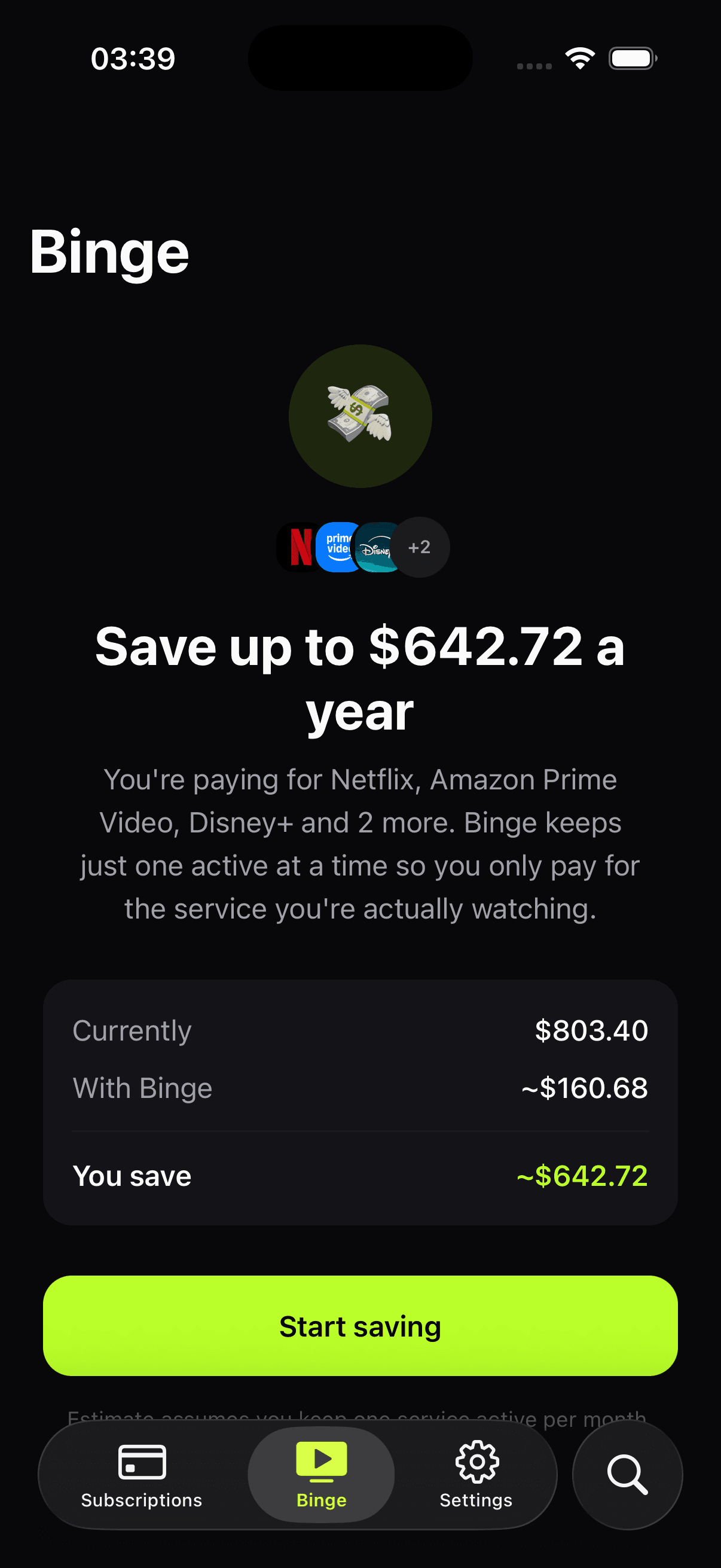
If you have five streamers averaging $13/mo each, that's $780/yr. If you watch one heavily at a time and rotate quarterly, you spend roughly $156/yr — the price of one service for a year. The other four months, you're paid up on whatever you're actively watching, and idle on everything else.
- Five streamers, always on$780 / year
- One streamer at a time, rotated~$160 / year
- Annual savings~$620
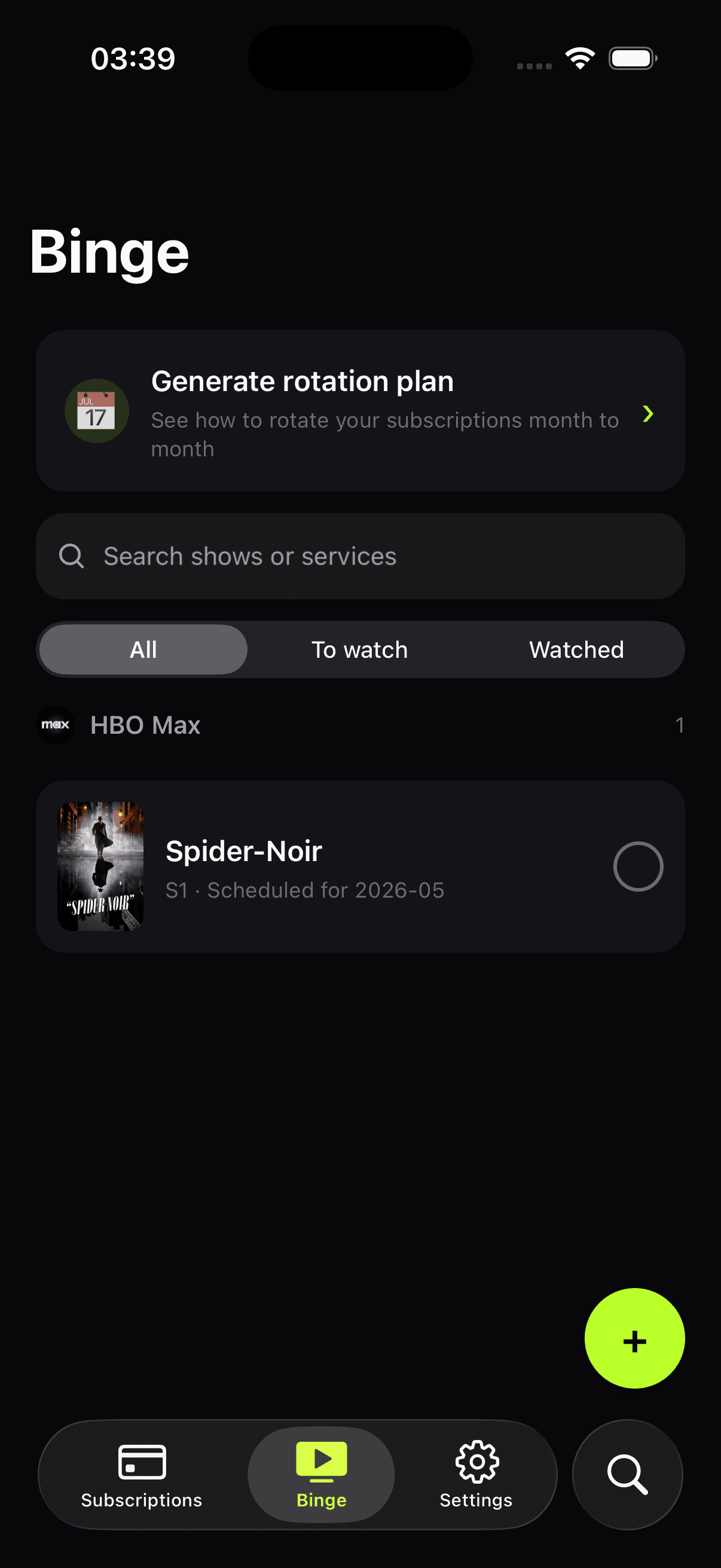
A watchlist that knows where to watch.
Add the shows and movies you actually want to see. Binge lines them up against your active services and tells you which month to schedule each one — so you finish the season before the service rotates out.
Who it's for
Built for people who already watch this way.
Most households watch one streamer at a time anyway — they finish a season, then move to whatever's next. Binge is for the people who already do that, but keep paying all five services every month out of inertia. The product is the inertia-breaker.
About Binge specifically
Common questions about rotation.
Do I lose my watch progress when I cancel?
No. Streaming services keep your account, watch history, and preferences when you cancel — they want you back. When you resubscribe a few months later, your queue and progress are exactly where you left them.
What about shows that release weekly?
Binge factors in release schedules. If House of the Dragon drops a new episode every Sunday for ten weeks, Binge keeps Max active for the season and rotates around it.
Can I keep one service always-on?
Yes. Pin a service as always-on (typical for live sports, news, or kids' content) and Binge rotates the rest around it.
What if a show is on multiple services?
Binge picks the cheapest active option for that title. If Friends is on both Max and Netflix and Netflix is already in your active month, Binge schedules it there.
Does Binge cancel subscriptions for me?
No. Binge tells you when to cancel and resubscribe — you do it yourself, in each service's settings. We never ask for streaming credentials.
Stop paying for the four you're not watching.
Add your stack, build your watchlist, and let Binge plan the rotation. Free to try, one-time unlock for the full planner.